Making video from first and last frames: how to plan more controllable motion
What can two endpoint images do for a video, and why should you plan movement, camera distance and subject continuity first?
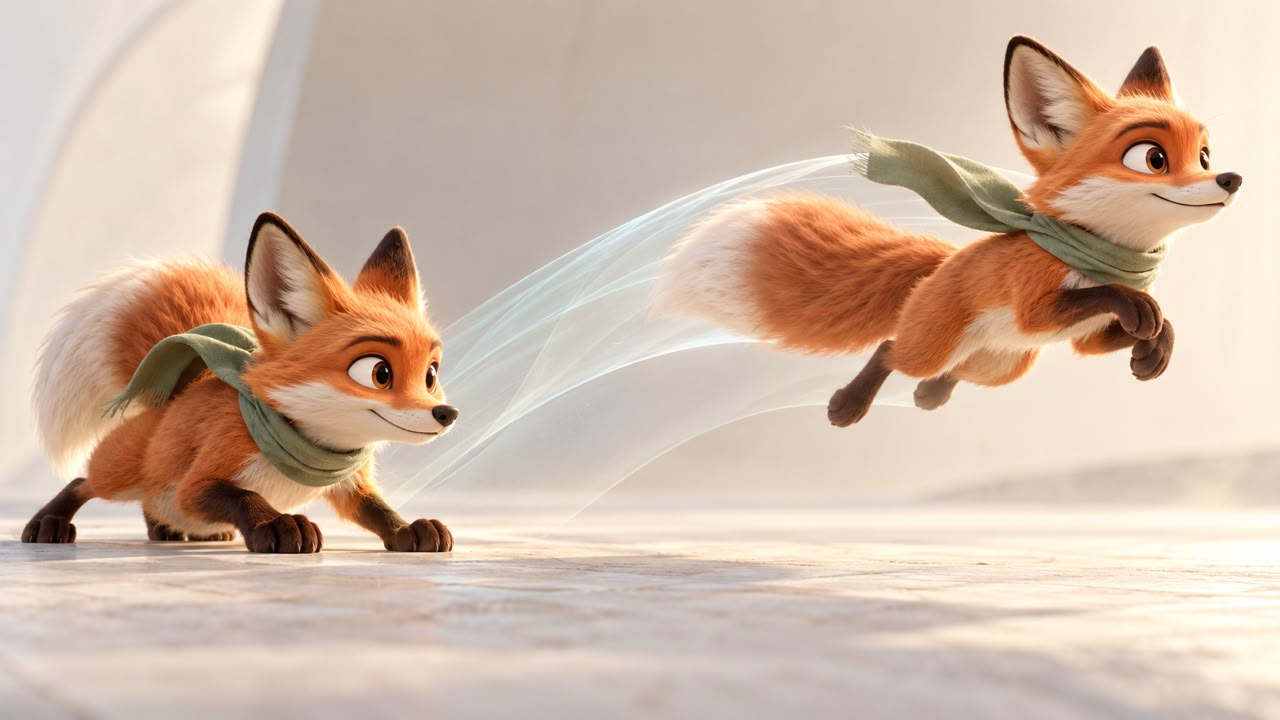
First and last frames can give a video a clearer starting point and destination. They do not guarantee everything that happens between them. If the subject, lighting or camera position changes too much, the result may deform or invent details to connect the images.
Choose one movement you can explain
Describe what moves, in which direction, and what remains unchanged. “The camera approaches the ring while its design stays the same” is clearer than a request for an impressive cinematic transformation. An advertising storyboard helps separate a sequence into readable shots before generation.
A hypothetical character shot might start with a fox looking at a butterfly and end with the fox taking a small step towards it. The face, scarf and body proportions should match in both images. Use character consistency references to check those details rather than relying on a similar overall mood.
Check what the chosen model supports
Image-to-video controls differ between tools and models. Adobe's documentation describes workflows using image references and different partner models; available controls depend on the selected workflow. Confirm whether your model supports both endpoints and what framing or movement settings it offers.
If a sequence includes several production stages, it is usually easier to review them as separate shots. Do not assume one generation can reliably turn a script into a storyboard, model and finished scene. Define these changes in the short-video brief, then decide where to cut between stages.
Design the final frame as a usable poster
The end image needs a clear focal point and enough room for its title. Check Persian spelling, letter connections and reading direction. If the title must be exact, add and review it during editing instead of depending on generated lettering. Specify how long the final poster should remain visible and make sure the player actually holds it after playback.
Review more than the endpoints
- Use matching aspect ratios and compatible subject placement.
- Describe camera movement separately from subject movement.
- Inspect the middle frames for changing hands, faces, objects or text.
- Read the final title at the size it will appear on a phone.
- Compare the exported file with the approved first and last images.
Sound design can connect the movement to the message, but narration must fit the available time. Review the finished sequence through editing and caption checks, including silent playback.
For a Visionairt video consultation, provide the two reference images, the intended movement, publication format and one clear message. Together these define a testable shot rather than an open-ended request for animation.
Sources and review date
Sources reviewed for the original Persian edition: 24 September 2026. Examples and practical checklists are editorial guidance. English edition: 24 September 2026.