2D or 3D animation: which suits your product introduction?
Choose an animation style around the message, the need to show volume, available assets and production steps—not just an attractive example.
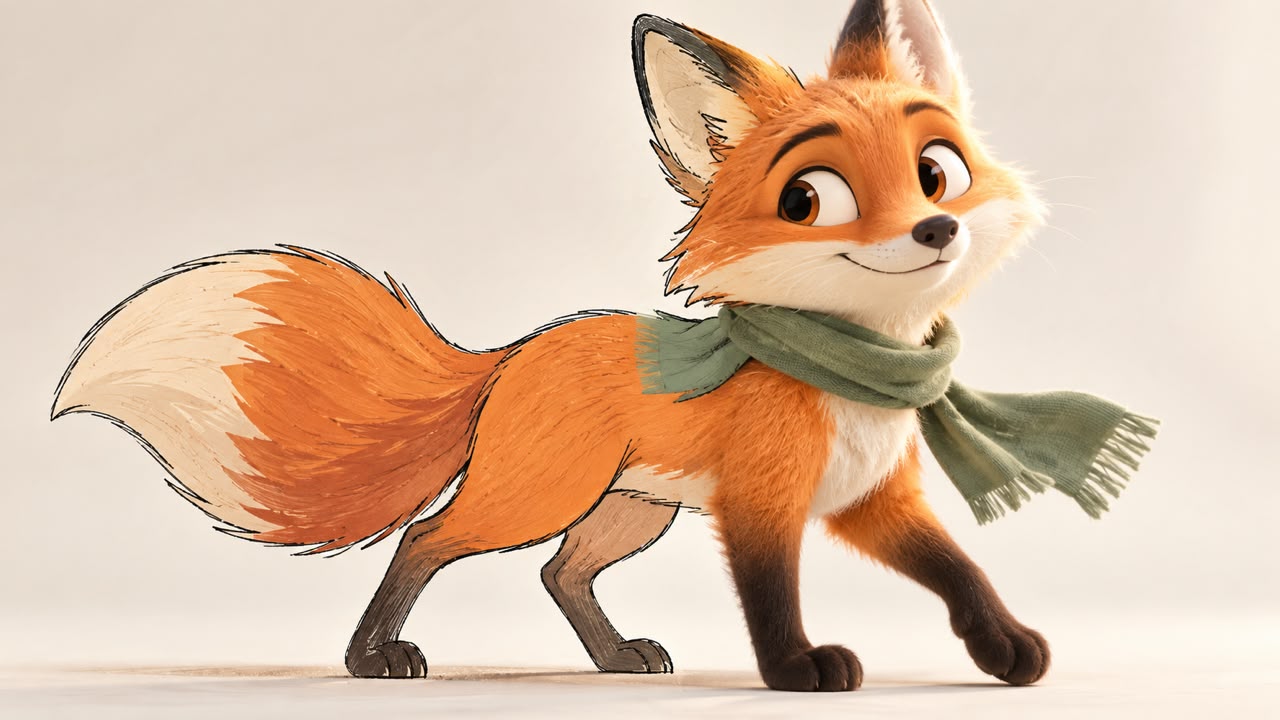
Choosing between 2D and 3D animation begins with what the audience needs to understand. A flat graphic can explain a relationship clearly; showing volume, assembly or several product angles may require a different approach. Neither style is automatically the best choice for every project.
Decide what the image must explain
For a booking service, a simple sequence of icons and labels may show the steps clearly. A character-led story could make the same service more relatable. A three-dimensional product demonstration might be useful when the viewer needs to understand how a physical object works. These are different communication needs, not merely different visual finishes.
Explainer motion graphics work well for processes and relationships. If a recurring character carries the story, define its appearance and behaviour with a character consistency guide before producing multiple shots.
Volume adds both opportunities and requirements
A 3D scene allows a product to be viewed from different angles and lit within a defined space. It also requires suitable geometry, materials and a scene that behaves correctly in motion. Having a model does not mean it is ready to animate. Blender's animation documentation describes controls and rigging that help manage motion, but the model still needs to suit the intended shot.
For product work, lighting and materials affect whether the shape is understandable. A technically detailed model can still produce an unclear image if the lighting hides its important features.
Test a representative shot
Choose one moment that contains the project's main challenge. Compare a simple 2D treatment with a 3D treatment when both are plausible. Judge whether the viewer understands the message, whether details stay consistent and whether the style fits the brand.
Costs depend on complexity, duration, assets and revisions. A highly detailed 2D scene can require more work than a simple 3D movement. Avoid using the label alone as a budget estimate.
Plan the sequence before producing it
An advertising storyboard helps establish shot order, camera position and what must remain visible. Generative tools may assist some stages, but continuity still needs checking; similar-looking frames do not necessarily create a coherent moving scene.
- Identify the one thing each shot must communicate.
- List the assets that already exist and those that must be created.
- Confirm the visual direction with a short test.
- Agree on output sizes and review points before full production.
Sound design should support the explanation rather than cover a weak visual sequence. For a Visionairt consultation, share the product, message, available references and intended use. The suitable animation style follows from that information.
Sources and review date
Sources reviewed for the original Persian edition: 24 September 2026. Examples and practical checklists are editorial guidance. English edition: 24 September 2026.