Why does a product image look artificial? Lighting and materials explained
Spot reflection, shadow, texture and scale problems in a product photograph or render and give more useful feedback.
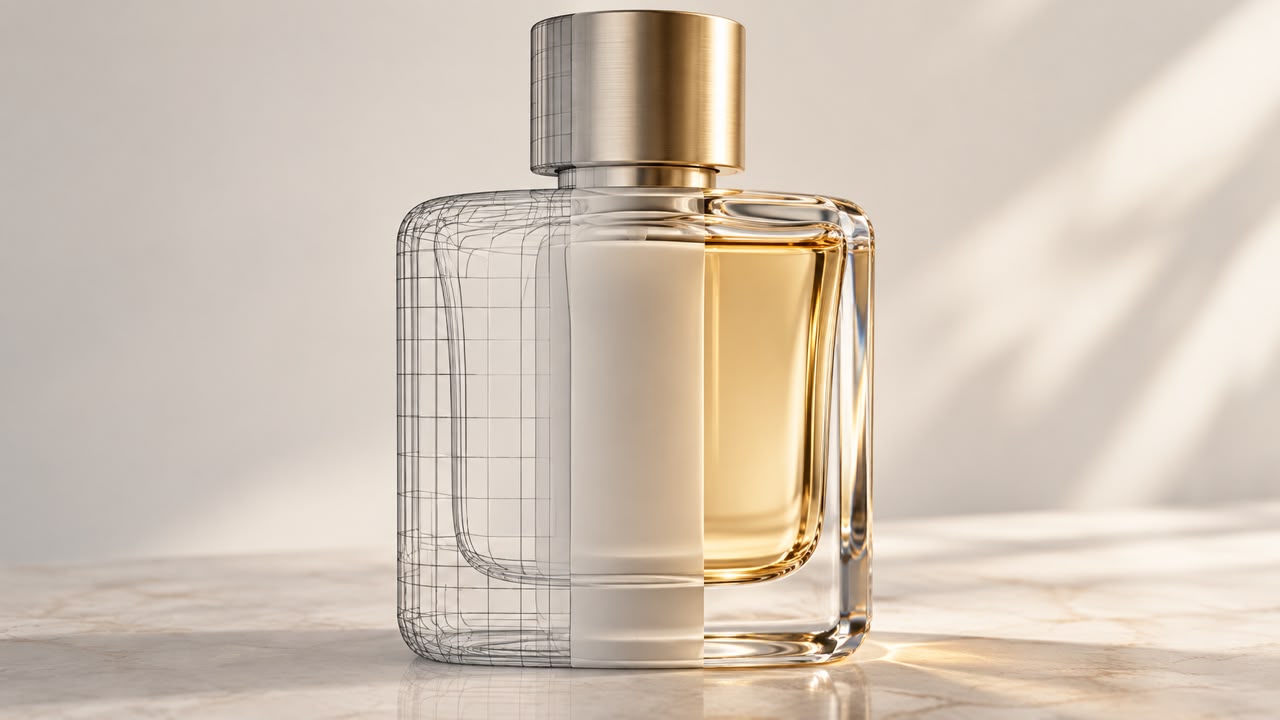
Sometimes every object seems correct, yet the product still feels unnatural. Inconsistent lighting, an unexplained reflection or a texture at the wrong scale may be responsible. You do not need complex terminology to describe the problem; identify what your eye is reacting to.
Light should explain the product's shape
Compare illumination with shadows. If the main light comes from the right, the shadows and reflections should make sense with it. More light is not always better: it can flatten raised features or erase surface information. The image-production method also affects how much control you have over lighting.
For a hypothetical leather bag, soft side lighting may reveal volume and texture. Uniform shine across the surface could make the leather look like plastic. Instead of “make it more realistic”, explain that texture disappears in the bright area and the reflection is too uniform.
A material is more than its colour
Metal, glass, fabric and wood reflect light differently even when their colours are similar. In rendering, surface settings and lighting work together. Blender's colour documentation also shows that output appearance depends on colour spaces and transformations, making exported-file review part of production.
In jewellery rendering, bright highlights should not hide the stone setting. In architectural visualisation, wood grain that is too large for the furniture distorts the sense of scale. Keep a useful size reference in the image.
A feedback checklist
- Compare the main light direction with the shadows.
- Check contact with the ground; the product should not float without reason.
- Zoom in to find repeating textures or damaged lettering.
- Also view the image at its actual publishing size.
- Compare colour with the approved reference, not memory alone.
For a collection, approve one lighting and viewpoint reference. It becomes part of the brand's visual identity, reducing accidental changes in mood. Consistent rules do not require identical compositions.
What should the request explain?
Include the real material, surface finish, reference photographs and display location in the project brief. For a Visionairt imagery consultation, send an example you like and one you do not, with a reason for each. That simple explanation defines the lighting goal more precisely than phrases such as “luxurious and cinematic”.
Sources and review date
Sources reviewed for the original Persian edition: 24 September 2026. Examples and practical checklists are editorial guidance. English edition: 24 September 2026.